
- Blogs
- E-commerce Development
- How to Extract Noon Product Reviews with Python
How to Extract Noon Product Reviews with Python
- Published: November 26, 2026

Extracting Noon product reviews with Python is straightforward using the Noon Reviews Importer Actor on Apify. Simply provide one or more Noon product URLs, configure the maximum number of reviews, and let the Actor process your request.
You can retrieve the extracted reviews programmatically using Python, analyze customer feedback, or export the results into CSV, Excel, JSON, XML, and HTML formats through Apify.
This guide walks you through the complete process, from setting up the Apify Python client to retrieving, exporting, and analyzing Noon product reviews.
Independent tool: The actor is not provided by Noon and is not affiliated with Noon. It reads publicly accessible product pages. Check Noon’s terms and the laws that apply to you before using the data.
What You Need
- An Apify account and your API token (found in Apify Console under API and integrations).
- Python 3 installed.
- One or more public Noon product URLs.
- The Apify Python client.
Step 1: Install the Apify Python Client
pip install apify-clientStep 2: Run the Actor from Python
The actor takes a list of product URLs and a maximum number of reviews per product. The example URL below comes from the actor’s documentation.
from apify_client import ApifyClient
# Initialize the Apify client
client = ApifyClient("YOUR_APIFY_TOKEN")
# Configure Actor input
run_input = {
    "productUrls": [
        "https://www.noon.com/saudi-en/N70211464V/p/"
    ],
    "maxReviews": 50,
    "pollIntervalSeconds": 10,
    "requestIntervalMs": 2100
}
# Run Noon Reviews Importer
run = client.actor("O2TrmTvfUuY5lYFAV").call(
    run_input=run_input
)
# Retrieve extracted reviews
items = list(
    client.dataset(run["defaultDatasetId"]).iterate_items()
)
print(f"Total records retrieved: {len(items)}")
for item in items:
    print(item)
The call waits until the run finishes. The run object holds the ID of the dataset that stores the results, and the last lines read every record from that dataset into the items list. The example product URL comes from the actor’s documentation.
Step 3: Read the Results
first = items[0]
print(first.get("product_title"))
print(first.get("review"))
Each record contains product details such as the title, URL, average rating, total ratings count and total reviews count, plus a nested review object with the reviewer name, date, rating, title, body and verified-purchase flag. Print one record from your own run to confirm the fields before you build on them.
Step 4: Save the Reviews to CSV
The extracted reviews can be exported to CSV using Python’s built-in csv module.
Because review information is stored inside a nested review object, flatten the fields before exporting to create a spreadsheet-friendly structure.
import csv

rows = []
for item in items:
    review = item.get("review") or {}
    rows.append({
        "product_title": item.get("product_title"),
        "product_url": item.get("product_url"),
        "average_rating": item.get("average_rating"),
        "total_ratings_count": item.get("total_ratings_count"),
        "total_reviews_count": item.get("total_reviews_count"),
        "review_user": review.get("user"),
        "review_date": review.get("date"),
        "review_rating": review.get("rating"),
        "review_title": review.get("title"),
        "review_body": review.get("body"),
        "verified_purchase": review.get("verified")
    })
if rows:
    with open("noon_reviews.csv", "w", newline="", encoding="utf-8-sig") as f:
        writer = csv.DictWriter(f, fieldnames=rows[0].keys())
        writer.writeheader()
        writer.writerows(rows)
print("CSV export completed.")
You can also use pandas to analyze the collected reviews or save them as an Excel file:
import pandas as pd
df = pd.DataFrame(rows)
df.to_excel("noon_reviews.xlsx", index=False)
Alternatively, download the complete dataset directly from Apify in JSON, CSV, Excel, XML, or HTML formats.
Input Options Explained
| Field | What it does |
|---|---|
| productUrls | List of Noon product URLs to collect reviews for. Required |
| maxReviews | Maximum reviews per product, from 1 to 200. Default is 200 |
| pollIntervalSeconds | Minimum delay between polling rounds. API rate limiting can increase it |
| requestIntervalMs | Delay between requests. Keep it at or above 2100 unless the API owner confirms a higher limit. The documentation mentions 30 requests per minute |
Limits You Should Plan Around
- Maximum 200 reviews per product per run.
- Only publicly accessible Noon product pages are supported.
- Some products have few or no reviews.
- Results depend on what Noon shows.
- If a product cannot be processed, its error information appears in the results, so check for failures before you analyse the data.
- The documentation’s only example is a Saudi Arabia URL. Test UAE and Egypt URLs yourself before relying on them.
What It Costs
Pricing is pay as you go: $2.49 per 1,000 reviews, charged per event, according to the Apify listing. There is no one-time fee and no monthly subscription for the actor itself. Check the listing for the current price.
| Example | Reviews (at most) | Cost at $2.49 per 1,000 |
|---|---|---|
| 10 products, up to 200 reviews each | 2,000 | $4.98 |
| 50 products, up to 200 reviews each | 10,000 | $24.90 |
These are maximums. Products with fewer reviews cost less. Use maxReviews to cap spend while you test.
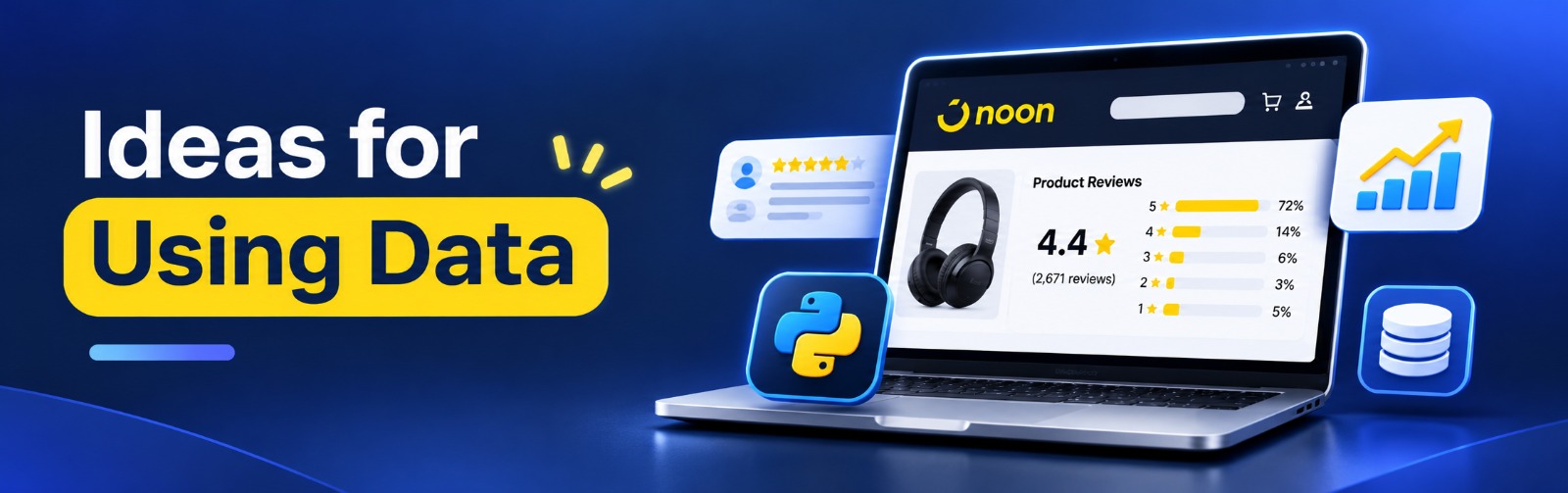
Ideas for Using the Data
- Compare average ratings and review counts across similar products.
- Look for repeated words in low-rated reviews to find common problems.
- Track a product’s review volume over time by running the same input regularly.
- Feed the data into a dashboard or report for your team.
Keep the analysis simple at first. Count reviews by rating before you build anything more advanced.
Using Noon Reviews Responsibly
Use the data only in ways that follow Noon’s terms and the laws that apply to you.
Do not collect or store personal information beyond what you need, and do not put credentials or sensitive data in product URLs.
If you show reviews publicly, say where they came from and only show reviews for products you sell. See our guide to Noon vs Shopify product reviews.
Do not present scraped data as an official Noon feed.
Want the Reviews on Your Shopify Store Instead?
If your goal is to display Noon reviews on a Shopify store, use the Noon Reviews Importer app instead of writing code. See the app page and our guide to importing Noon reviews to Shopify.
Common Problems
| Problem | What to check |
|---|---|
| Empty results | The product may have no reviews, or the URL is wrong. Open it in a browser |
| Run fails or stops | Check the run log in Apify and the error information in the results |
| Unexpected fields | Print the first record. Fields depend on the product |
| Run takes long | The actor respects request limits. Do not lower requestIntervalMs below the documented value |
| Authentication error | Check that the API token is correct and not shared in code you publish |
Final Thoughts
Extracting Noon product reviews with Python comes down to four steps: install the Apify client, run the actor with your product URLs, read the dataset and save it. Start with a small test and a low maxReviews value, check the fields you get, then scale up.
If you want a no-code option, use the Noon Reviews API page. If you want the reviews on a Shopify store, use the Noon Reviews Importer app.
SolCoders combines innovation and technology to deliver scalable, high-performance software solutions that streamline operations and accelerate digital transformation.
In This Article
Frequently Asked Questions:
Can I extract Noon reviews with Python?
Yes. Use the Apify Python client to run the actor with Noon product URLs and read the results from the dataset
Is there an official Noon reviews API?
This tool is not an official Noon API and is not affiliated with Noon. It reads publicly accessible product pages.
How many reviews can I get per product?
Up to 200 per product in one run, according to the actor’s documentation.
How do I export Noon reviews to CSV?
Write the dataset items to a CSV file with Python’s csv module, or download the dataset as CSV from the Apify console.
How much does it cost?
The Apify listing shows $2.49 per 1,000 reviews, pay as you go. Check it for the current price.
Does it work for Noon UAE and Egypt?
The documentation example uses a Saudi Arabia URL. Test UAE and Egypt URLs before relying on them.
Related Blogs
Latest Blogs
Custom Inventory Management Software: Features & Costs
Custom inventory management software: key features, integrations, build vs buy, cost factors and a development…
Shopify B2B Customer-Specific Pricing: Native vs Custom
Shopify B2B customer-specific pricing: what catalogs do on each plan, where native pricing stops, and…

Shopify B2B Plus vs Non-Plus 2026: What You Need
Blogs E-commerce Development Shopify B2B Plus vs Non-Plus in 2026 Shopify B2B Plus vs Non-Plus…